When PlainHub helps
Your documents are all over the place
You can't tell which version is the latest, and there are too many tools
Keep them together in GitHub, with history saved automatically. Ask the AI to find things for you
You want to own your data
You don't want to depend on a single service
Your files stay plain text in your own GitHub. Move to another tool whenever you like
You need to fix something on the go
No laptop, no dev environment
Edit and save from any browser, including on your phone
You want to write with AI
Your AI tools and your documents live in different places
The AI panel sits right inside the editor, so you can ask as you write
You have questions about the whole repo
"How is auth implemented here?" "What did I work on last week?"
The AI reads the repo's files and commit history to answer
You want to talk to AI hands-free
You're on the move or your hands are busy
Speak into the mic, and the AI reads its reply aloud
You need to edit a huge file
Other editors slow down after a few thousand lines
Edit files with tens of thousands of lines without lag
You want an older version back
You can't tell who changed what, or when
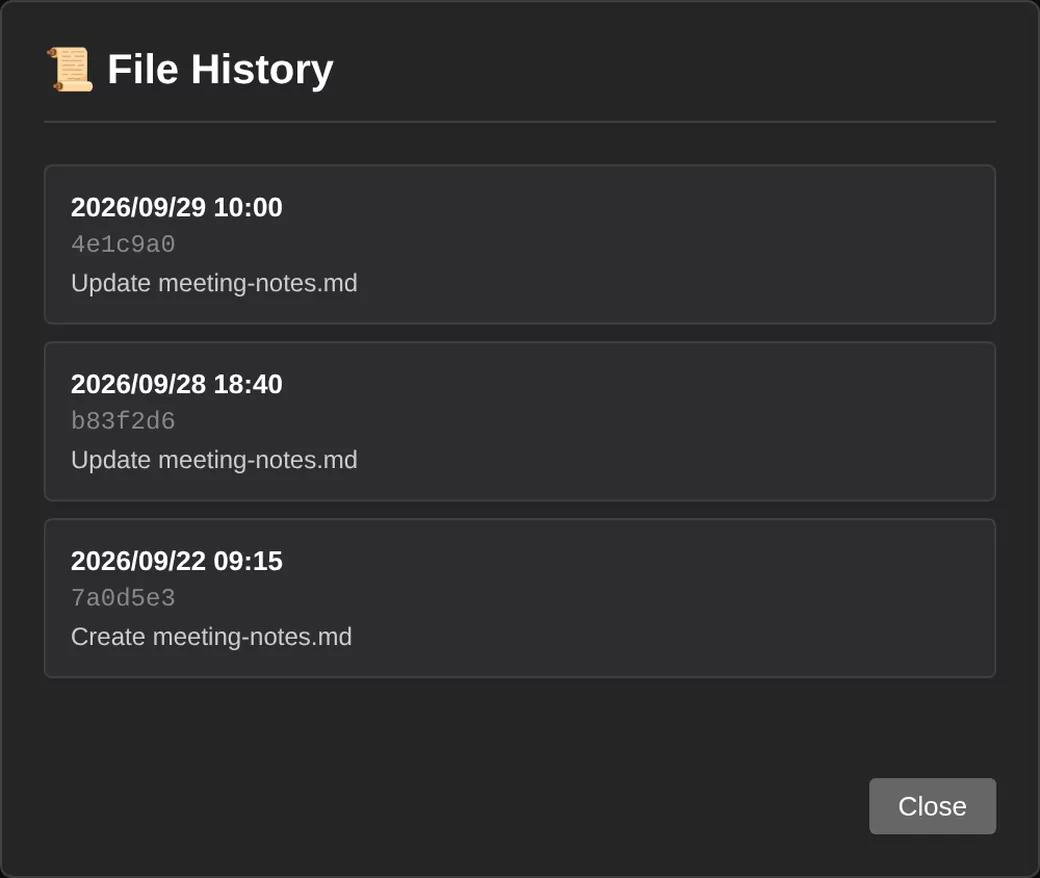
Every save is kept. Check the diff and restore an earlier version
History and restore
Every save creates a Git commit, so without doing anything extra you get:
- A full change history — Every change is recorded in Git, so you can always see who changed what, and when
- Restore any version — Look through past versions in the history and restore one
- Diffs — Compare a file before and after a change
- No branches needed — Just save to the main branch; versioning is taken care of