Editor
Read and Edit
One switch in the toolbar: Read or Edit. Ctrl+E (Mac: ⌘E) switches between them. Files you can edit open in Edit, ready to type.
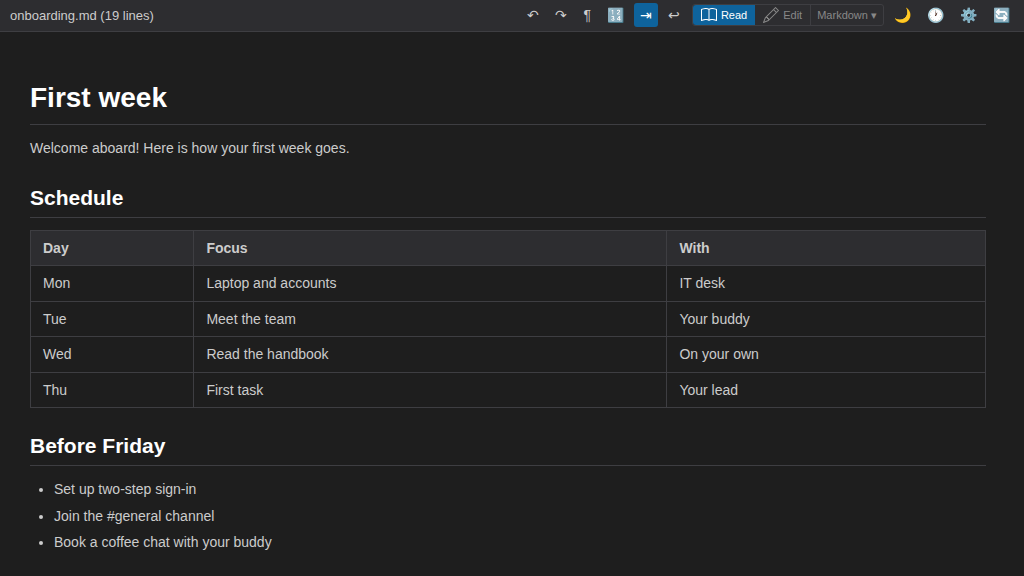
Read
See your Markdown as it looks. Ideal for reading documents. Nothing changes while you read.
Edit — Markdown
Write the text as it is, with syntax highlighting (CodeMirror). The file stays exactly as you type it. This is the default.
Edit — Visual
Write as it looks (ProseMirror). No Markdown knowledge needed. Choose it from the menu next to Edit; PlainHub remembers your choice.
Image Paste
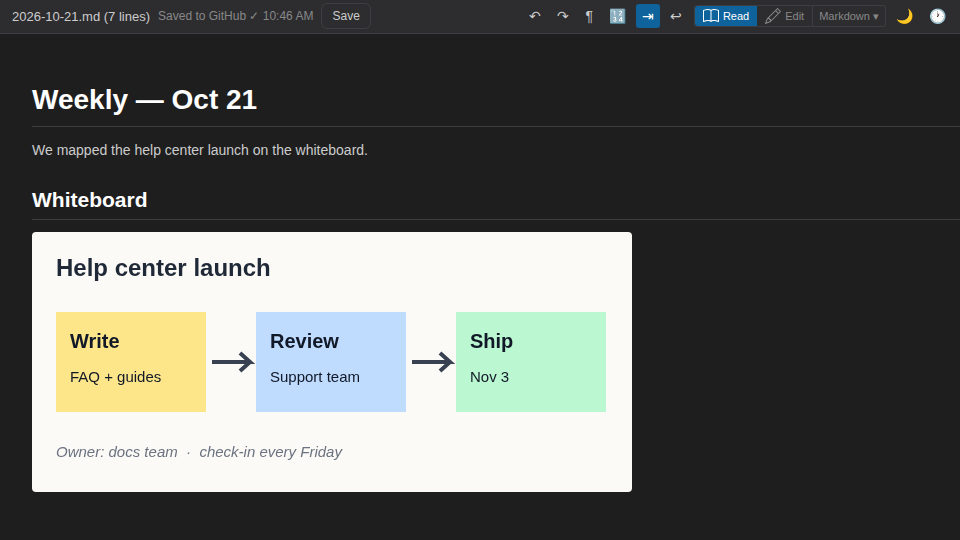
Ctrl+V to paste clipboard screenshots directly. Great for creating documents with visual evidence. Complete your documentation workflow online — no need for Excel or Word.
Keyboard Shortcuts
Familiar shortcuts from VS Code and local editors work out of the box.
For example, Ctrl+S saves your change as a Git commit.